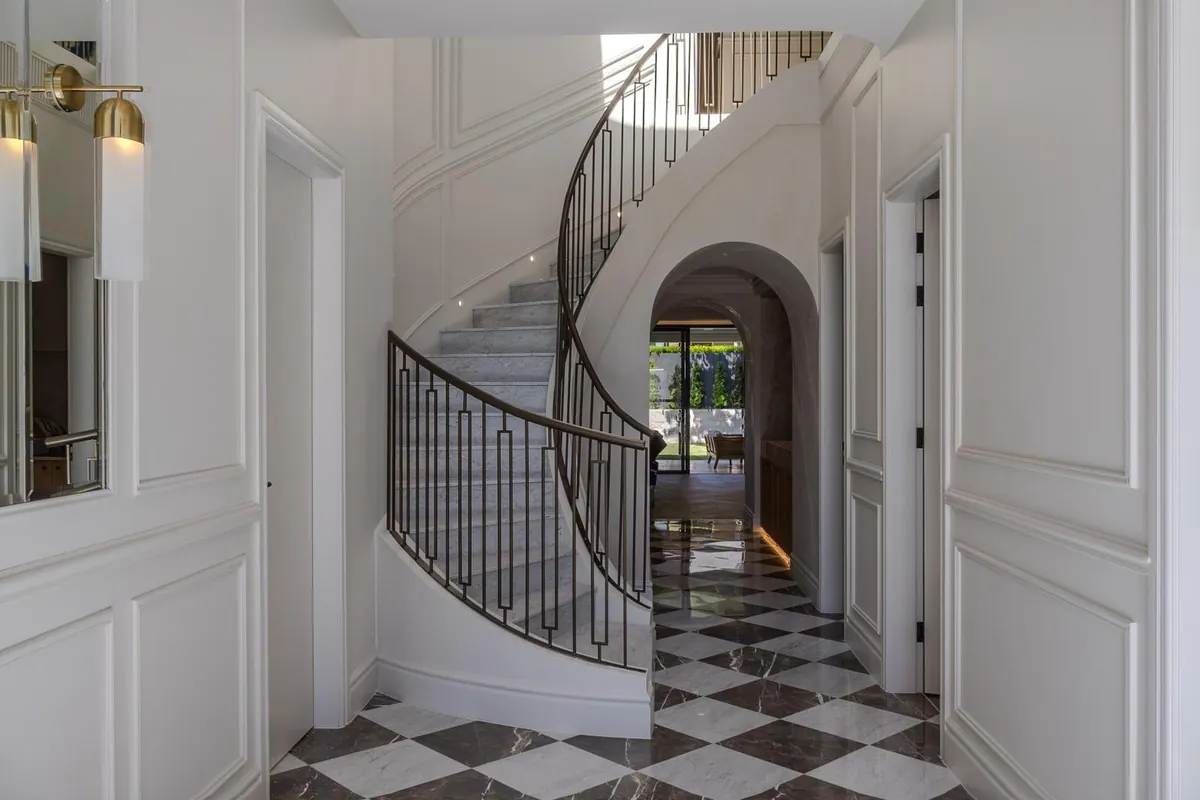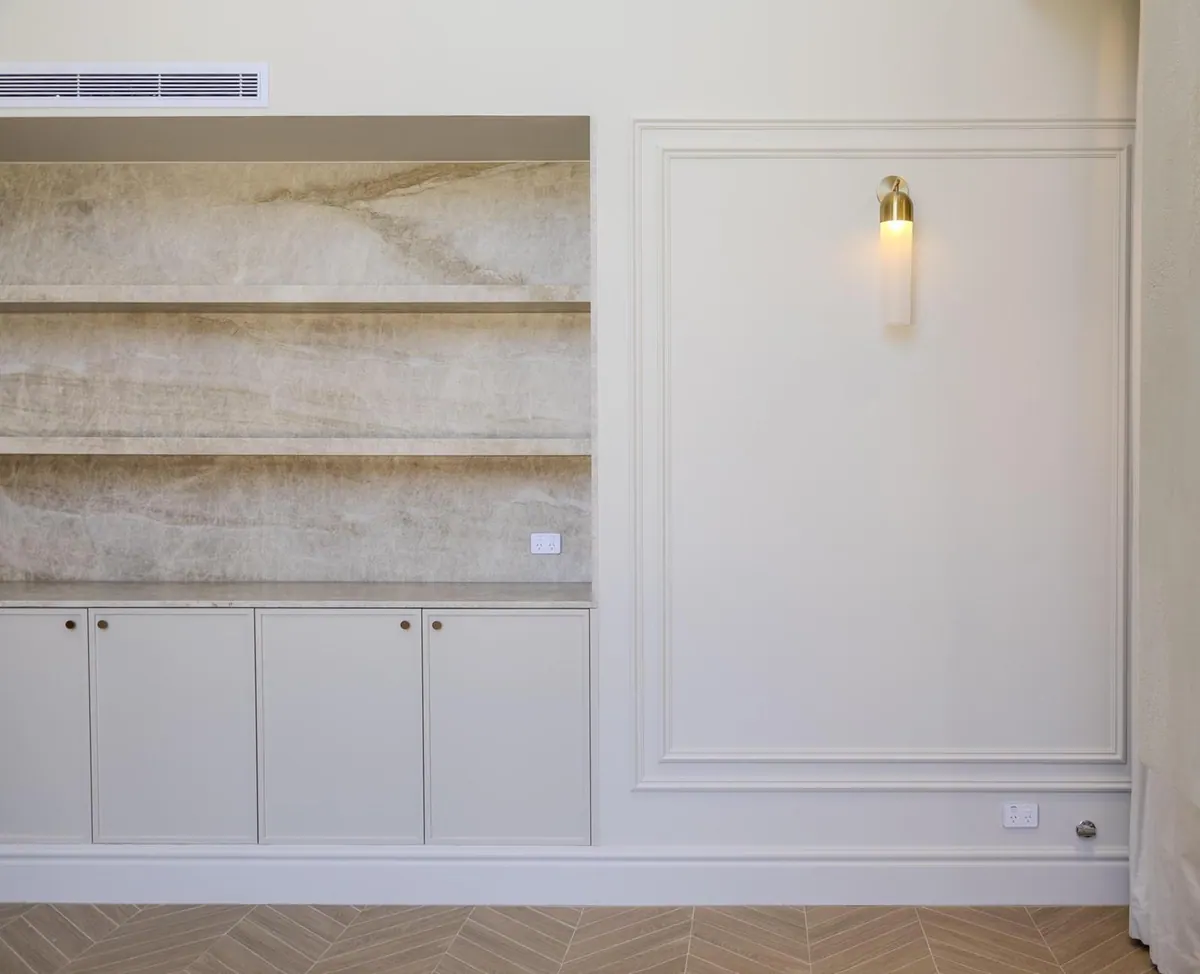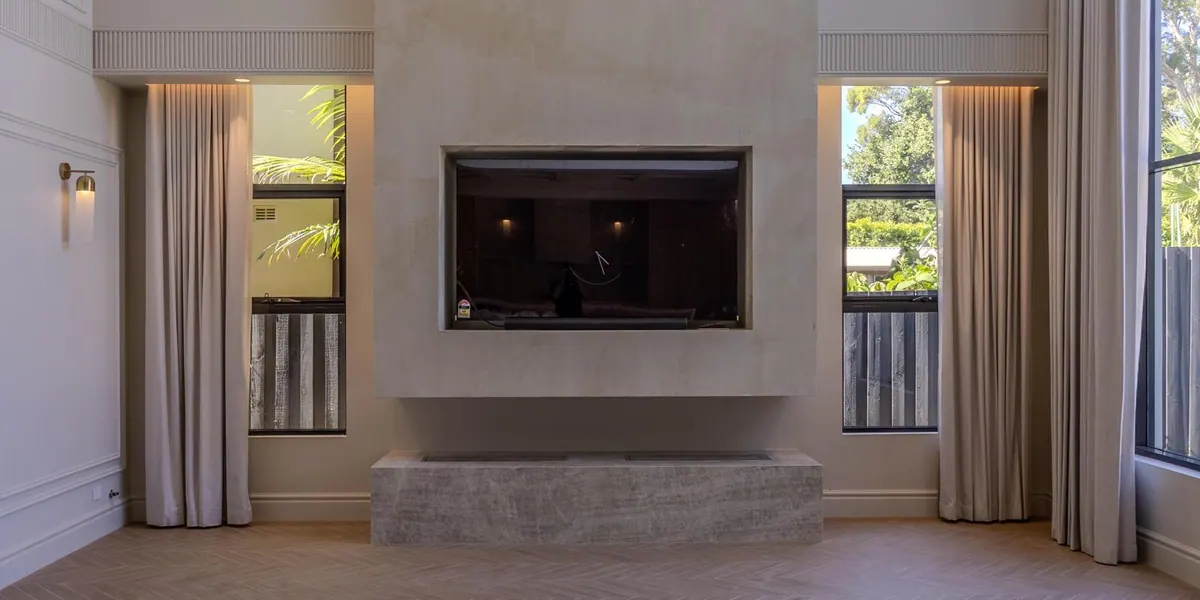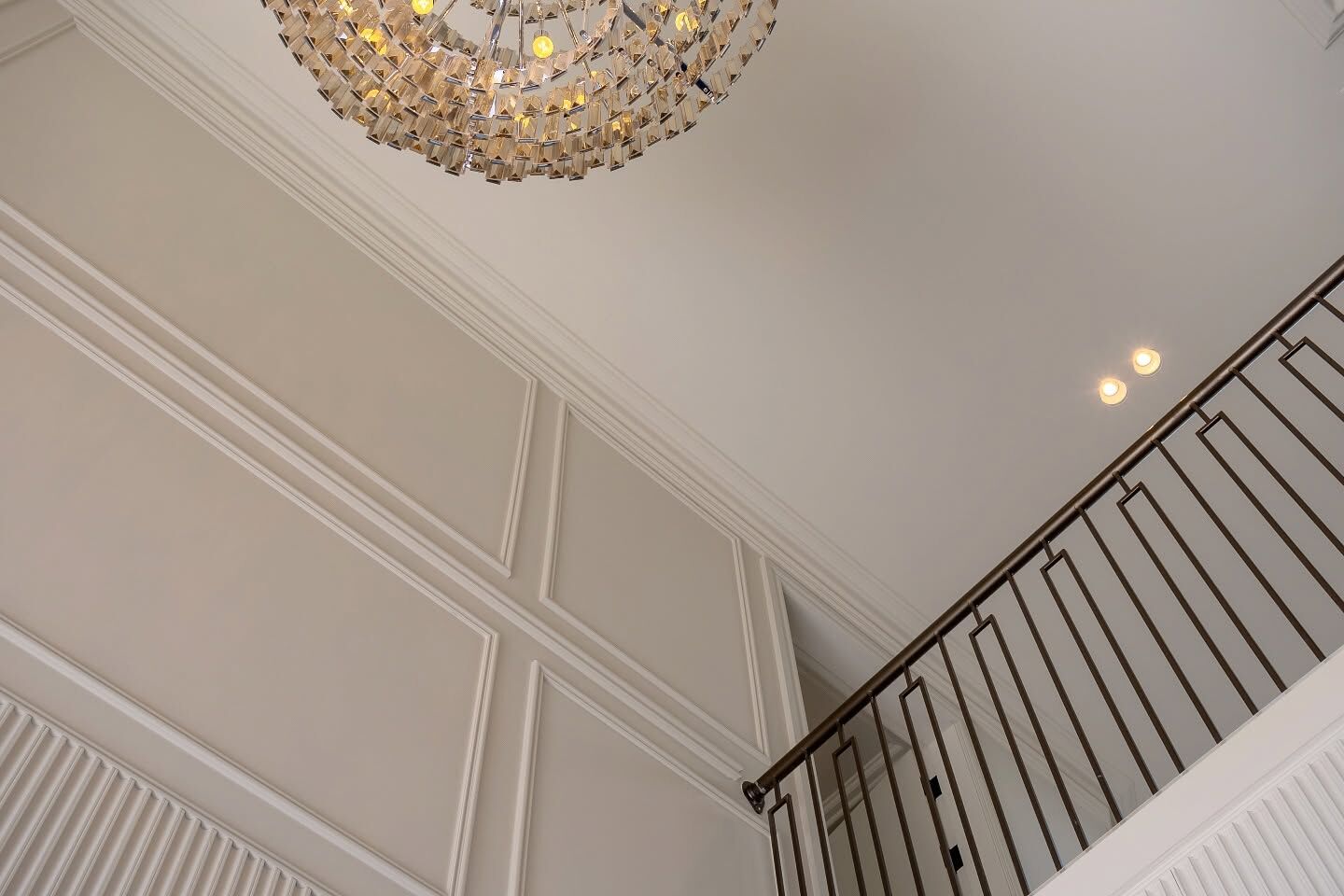
For a finish-focused business, photographs are part of the proof. A customer comparing joinery, flooring or wall panelling wants to see edges, proportions and how the work sits with the rest of the room. Original images can also make a local service page more distinctive than generic renovation photography.
Give each image a job
Use one image to establish the room, another to show the detail and, where appropriate, a third to show how the service meets an adjacent finish. A caption can explain what the viewer is looking at without repeating the page heading.
Image publishing checklist
- Use a descriptive filename instead of a camera-generated sequence.
- Write alt text for someone who cannot see the image.
- Keep private addresses, faces and identifying details out unless approved.
- Set width and height so the page does not jump while loading.
Images help local SEO most when they make the page more useful. The ranking signal is not the presence of a suburb word in a filename; it is the quality and relevance of the evidence.
A simple way to apply it.
- 01Capture the detail and the room
Pair wider context shots with close-ups of junctions, edges, hardware, grain and finish.
- 02Record the context while it is fresh
Note the service, room and any approved location information before uploading the images.
- 03Compress before publishing
Keep the image sharp enough to show the work while avoiding unnecessarily large files.