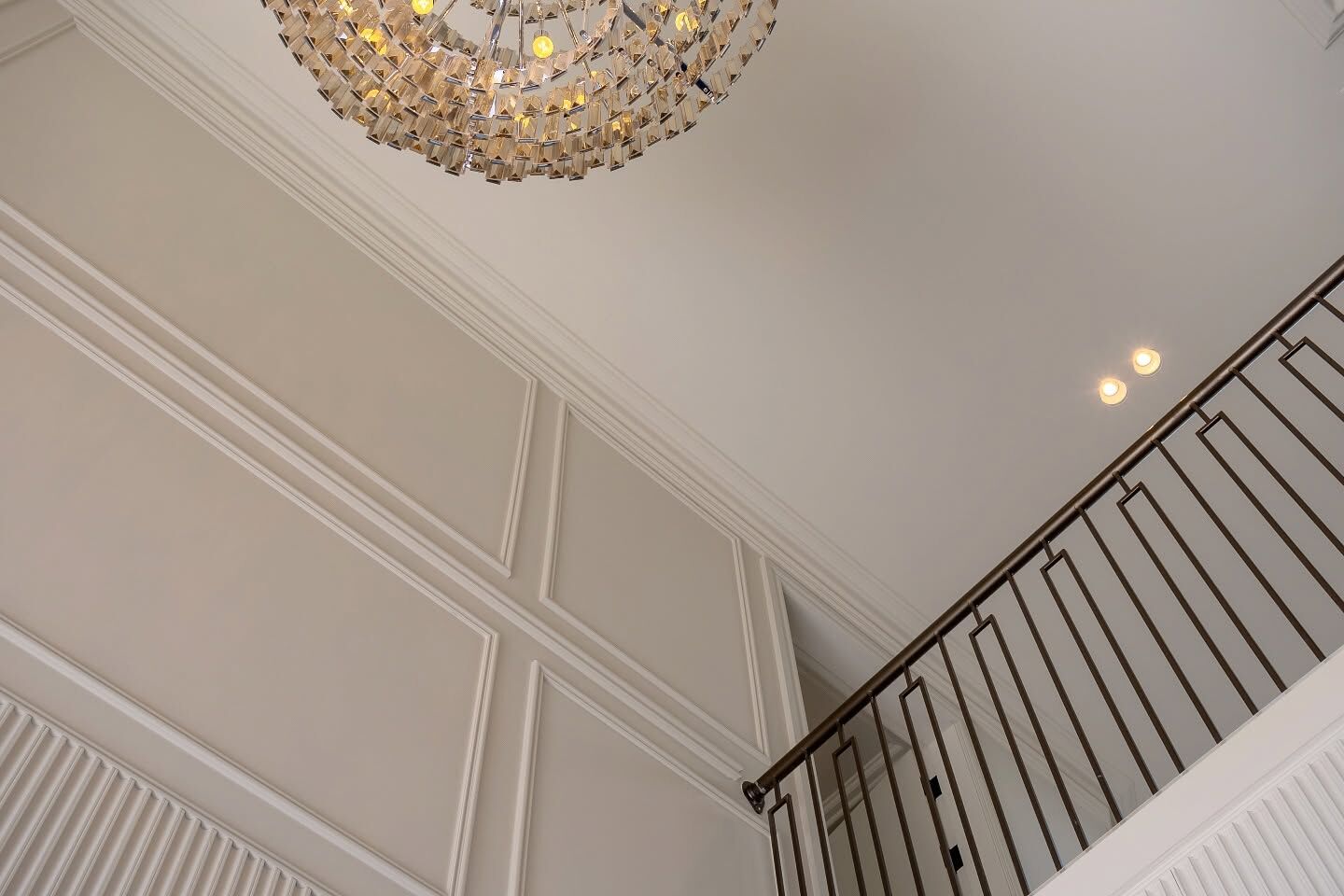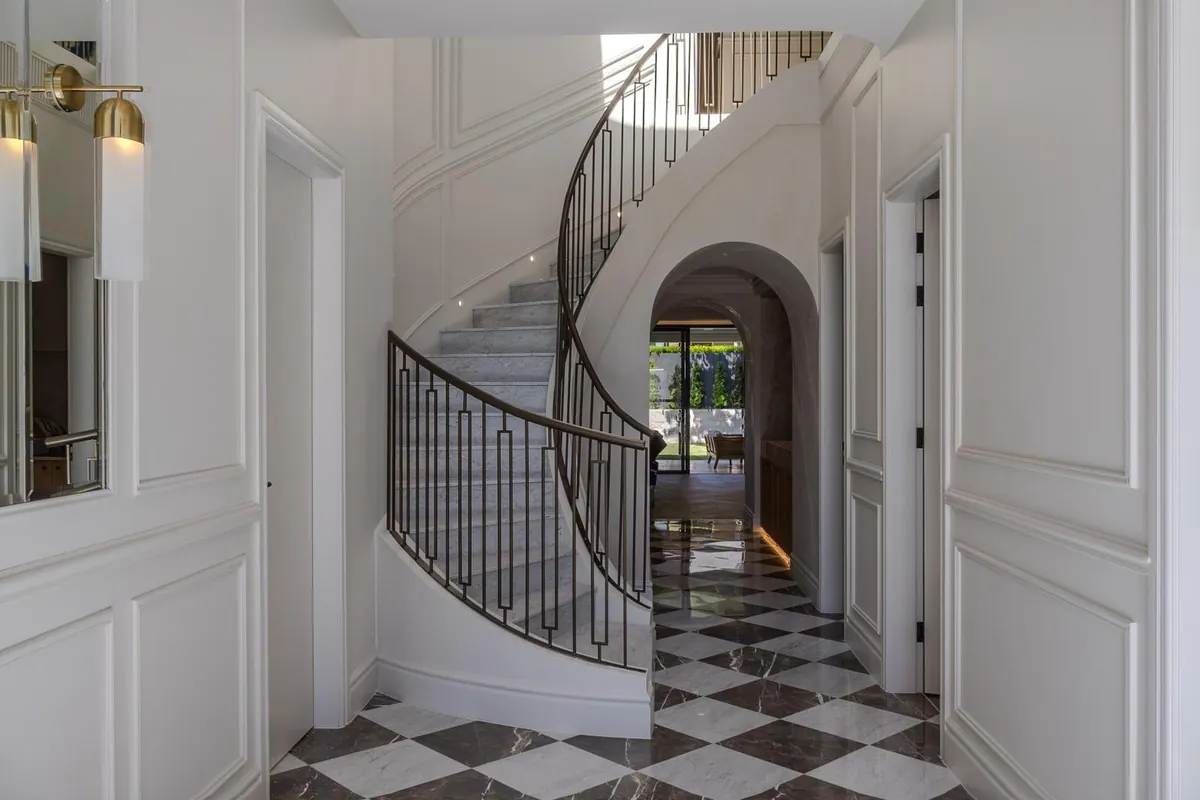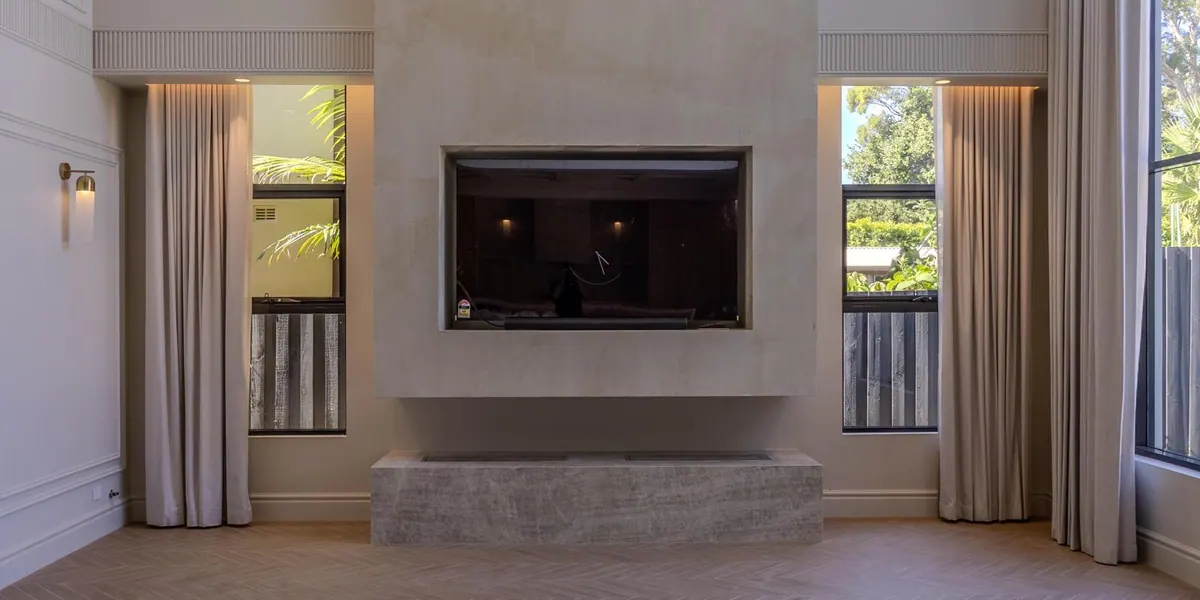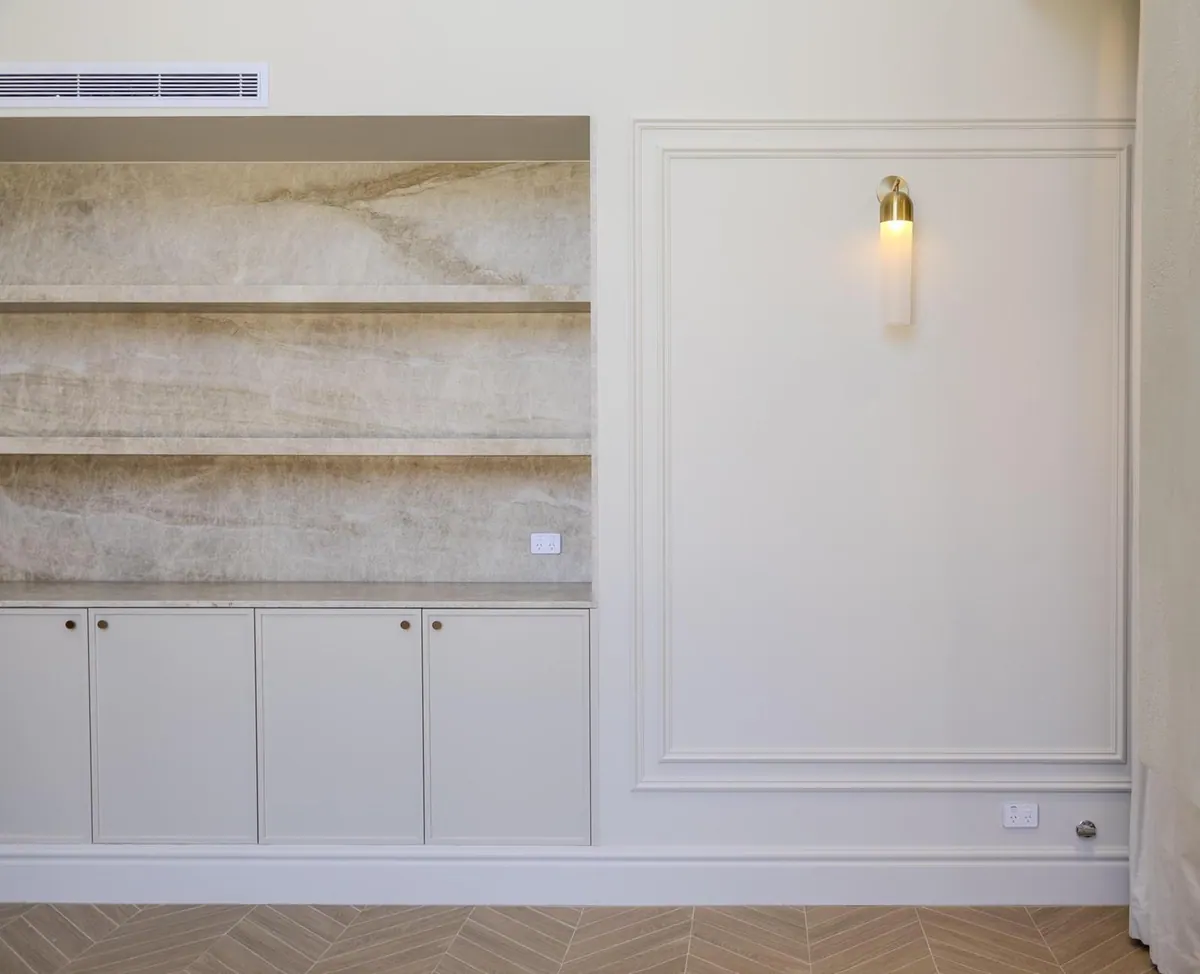
Images of joinery, panelling and flooring need enough resolution to show the work. They do not need to be larger than the space in which they are displayed. Serving one oversized file to every device makes a mobile visitor wait for pixels they cannot see.
Optimise for the decision the image supports
A detail close-up needs a different crop from a wide room image. Keep the subject visible, export a sensible width and use modern formats where the site supports them. Always inspect the result at the size customers will see, especially around edges and junctions.
Do not remove context for speed
- Keep one wider image when it helps explain the room.
- Use lazy loading below the first content section.
- Set dimensions to reduce layout shift.
- Check compression on dark timber, fine panelling and repetitive floor patterns.
The goal is not the smallest possible file. It is the best useful image for the least unnecessary download.
A simple way to apply it.
- 01Crop for the page layout
Choose the composition that supports the page instead of shipping a huge uncropped original.
- 02Serve responsive sizes
Send smaller files to phones and larger files to wide screens where the layout needs them.
- 03Keep the original safely stored
Optimise the web copy while keeping the approved source available for future edits.